Six new things in a tab
October on BrowserBasedTools was about the files people already have: the song on the drive, the attachment that will not open, the boarding pass on the wrong device. Six things shipped. Almost all of them run in the tab, and nothing is uploaded.
Send a file to your own phone
Drop a file into Send and scan the QR code with the phone. The file goes straight across, encrypted end to end. Both screens show the same six-digit code, and nothing moves until the sender confirms they match. Send also carries text, such as a link or a Wi-Fi password. There is no account, and nothing is stored on a server.
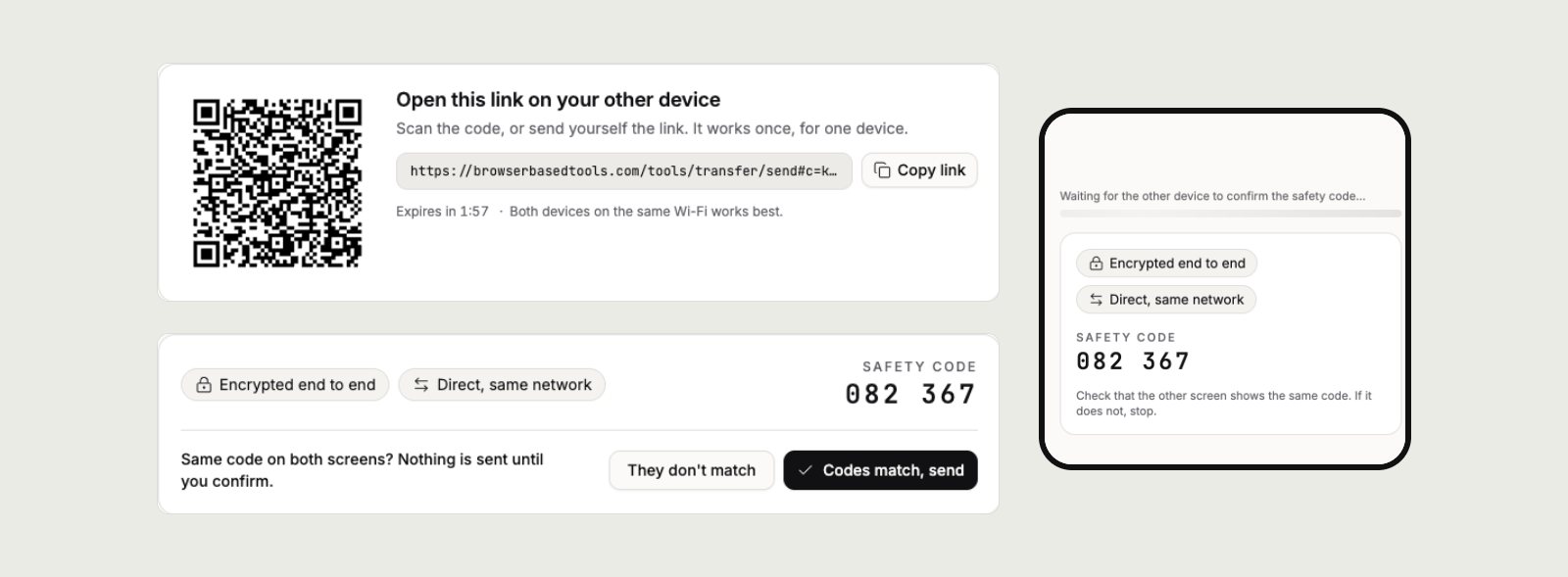
The laptop's link and code, and the phone after scanning. The same six digits are on both screens.
Every connection, listed
The site used to promise that nothing ever leaves the device. Send and share links made that untrue, so the promise was rewritten rather than reworded. A new manifesto sets the rules for the two features that need a server: data is encrypted first, the key never reaches the server, and nothing is kept longer than the job. The privacy page lists every connection the site makes. Each page tells the browser which servers it may contact, and the browser refuses the rest.
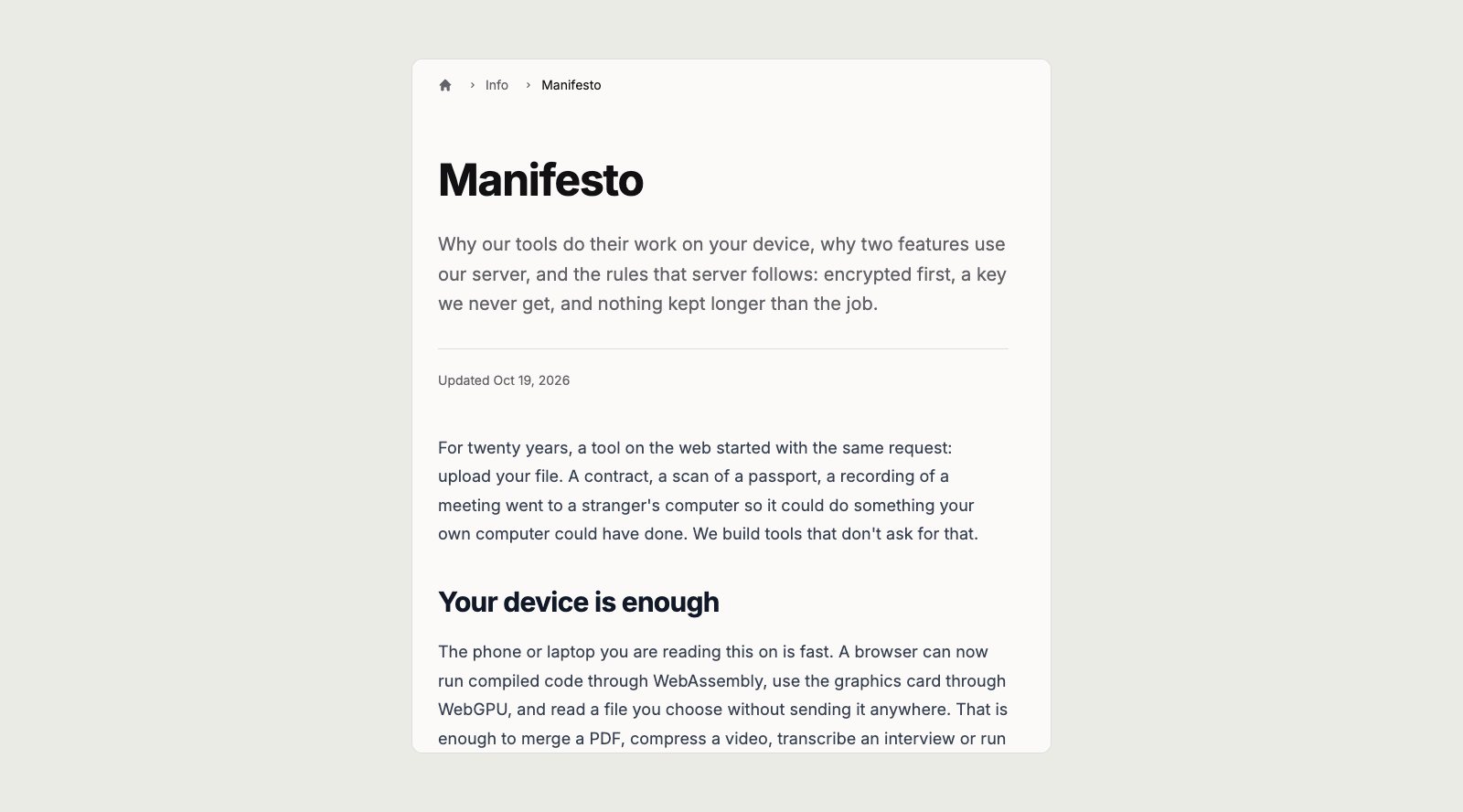
The manifesto, at browserbasedtools.com/manifesto.
A music player for the files you own
The new Music Player takes songs, whole folders, links and internet radio. It builds a library from the tags and cover art. Albums play almost without gaps, volume is levelled between songs, and the lock screen and media keys work. A phone can act as the remote. My files now gathers everything any tool keeps, so a recording made in one tool opens in another without adding it again.
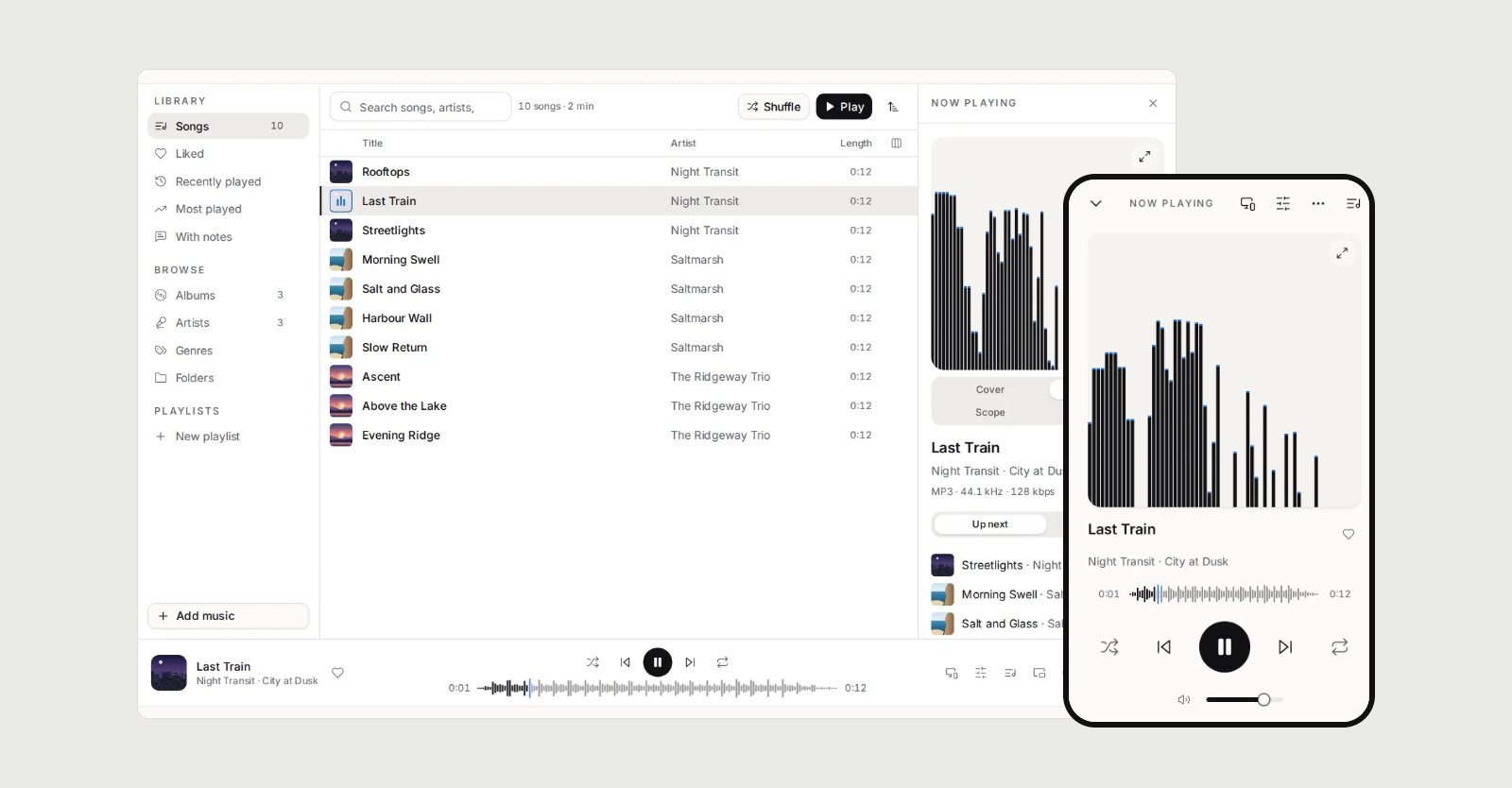
A sample library on the desktop, and Now playing on a phone.
Record the screen, the sound, or a photo strip
The Screen Recorder captures a screen, window or tab, with the microphone, the computer's sound and a camera bubble. Its screenshots can be marked up with arrows and text, and private details blacked out. The Sound Recorder takes up to four sources at once, to WAV or MP3. Both save as they record, so a crash costs only the last seconds. The Photobooth has twenty looks, photo strips and GIF loops, and the look can still be changed after the shot.
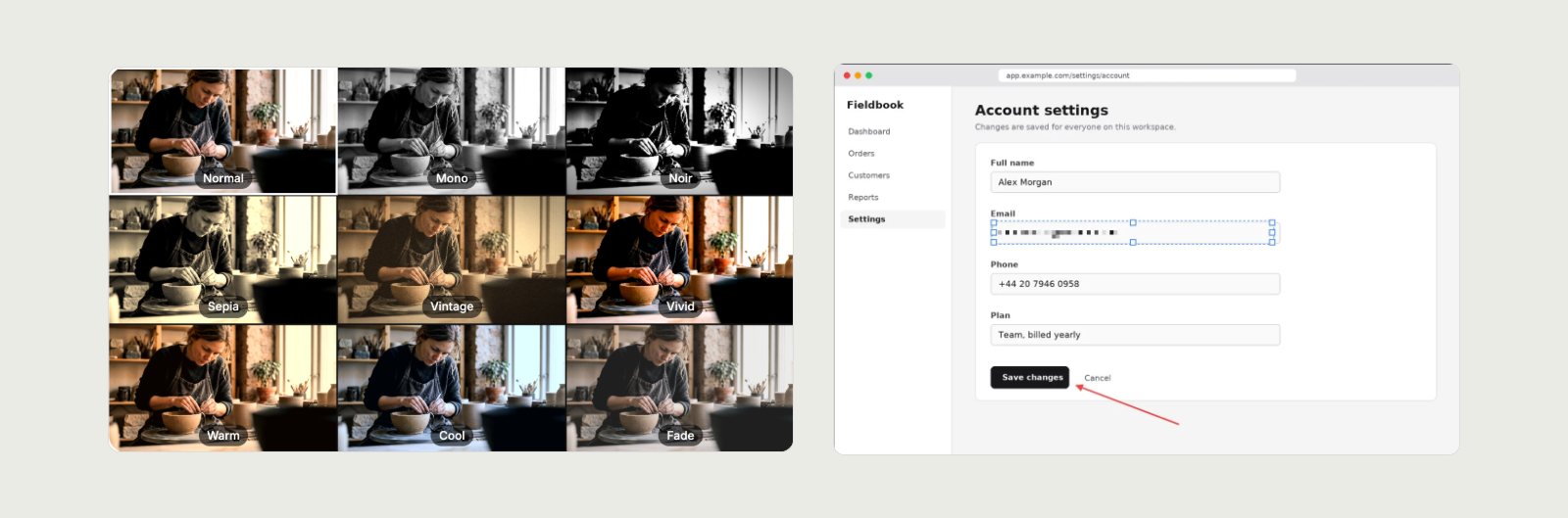
Nine looks previewed live in the Photobooth, and a screenshot with an email address pixelated.
The attachment nothing else will open
The Email Viewer opens Outlook .msg, .eml and Apple Mail .emlx files, and whole .mbox exports. It shows every header and the route a mail took, and keeps remote images blocked until you allow them. A message can be edited, then saved in any of those formats. The Calendar Viewer turns an .ics invitation into a card. It shows the time in the event's zone and in yours, lined up on one ruler.
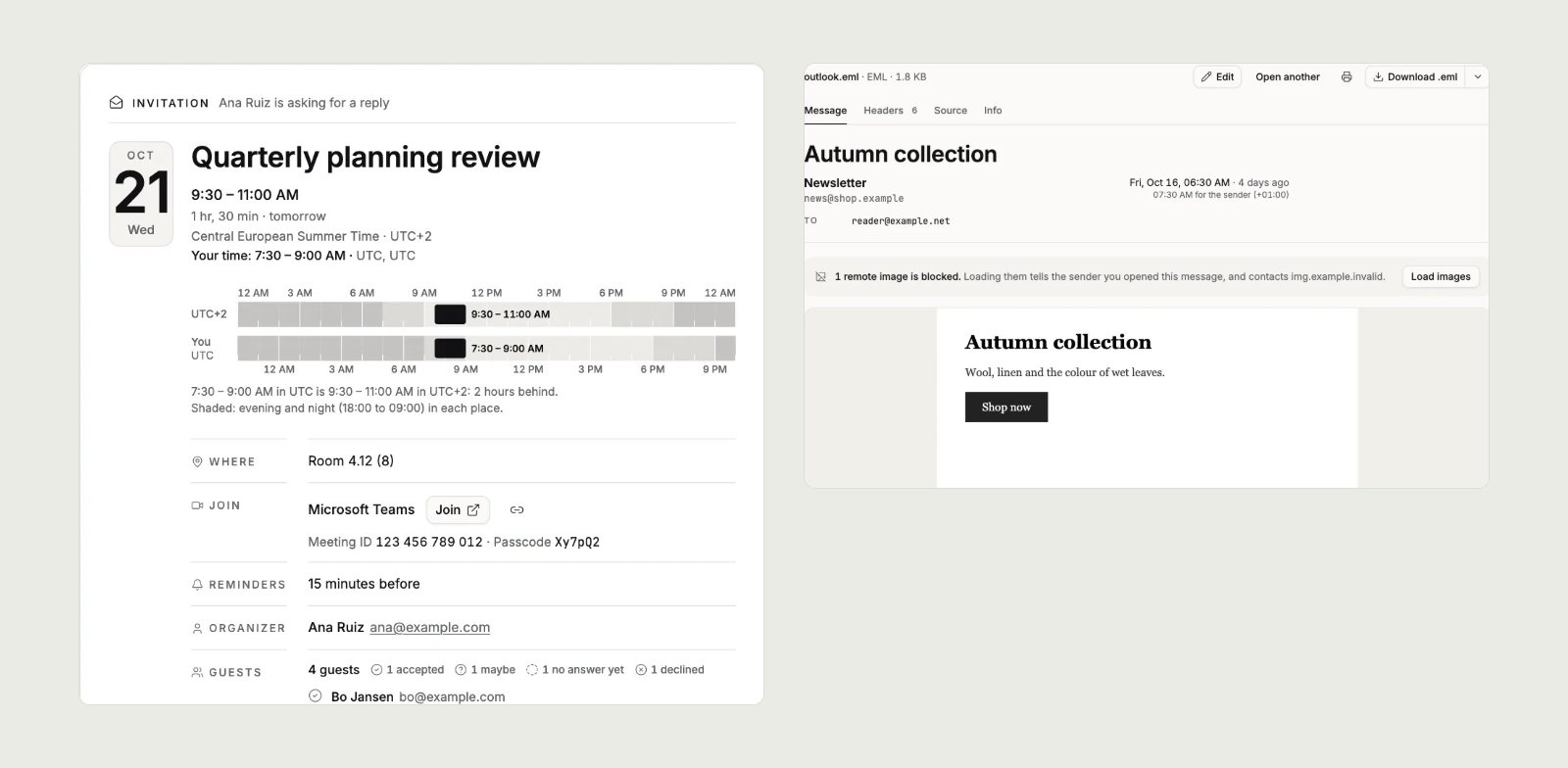
An invitation from UTC+2 read in UTC, and a newsletter with its tracking image held back. Both are sample files.
A QR code that still scans
The QR Code Generator was rebuilt. The dots, corner eyes, colours, logo and frame are all yours to set. Every design is decoded as it is made, so a code that would not scan says so before the download. Alongside it came 44 new how-to guides. Eight of them are about print files, from bleed to ink coverage. Where a guide recommends Popcorn, the foundry's design editor, a card says so and says what it costs.
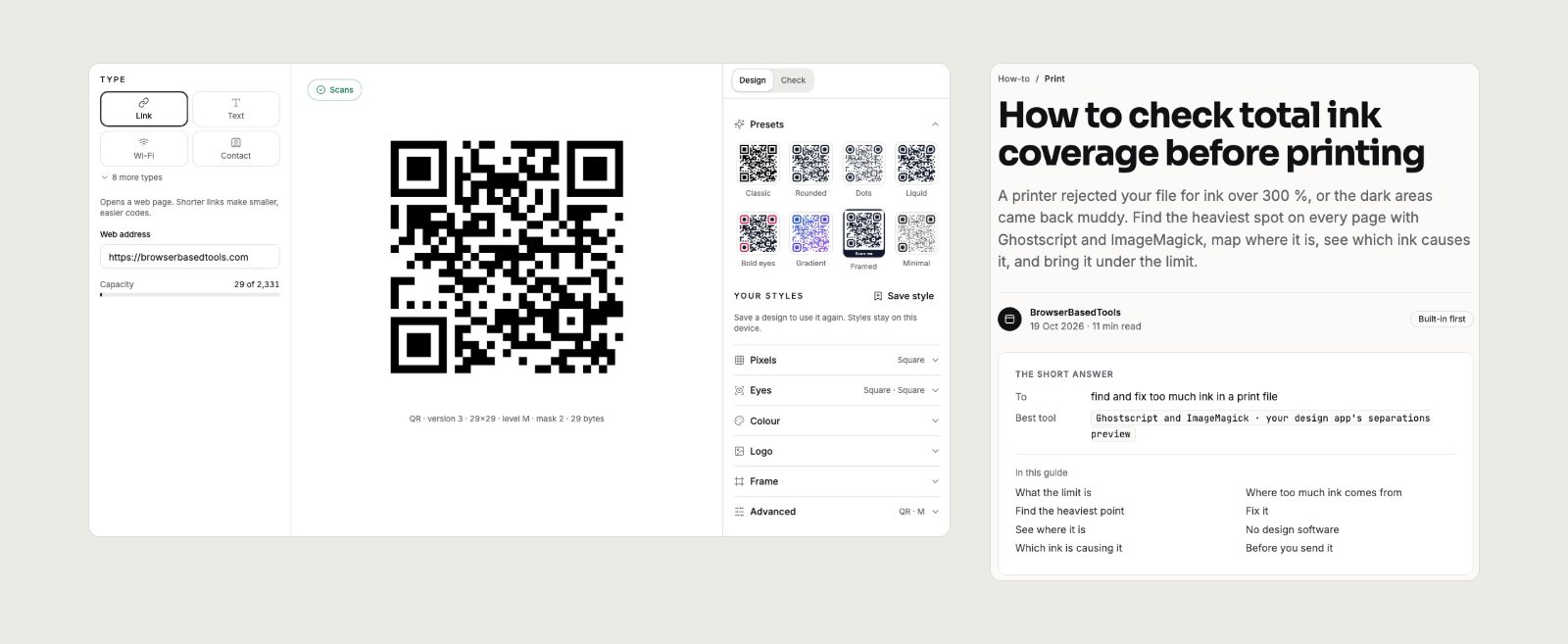
The generator's scan check, and the guide to total ink coverage.
All of it is free, with no account, at browserbasedtools.com. For how it sits alongside the foundry's other products, see What the foundry's products do.
An invoice, a tempo and a sealed message, none of them uploaded
Ask for a frame, cut what fits
The price a business in Belgium pays
Want the longerversion of any of this?
The longer version is usually the interesting part. Just ask for it.